Quick start · Athlete · Basics · 2 min
Create a goal
Season targets, habits and skills that track themselves.
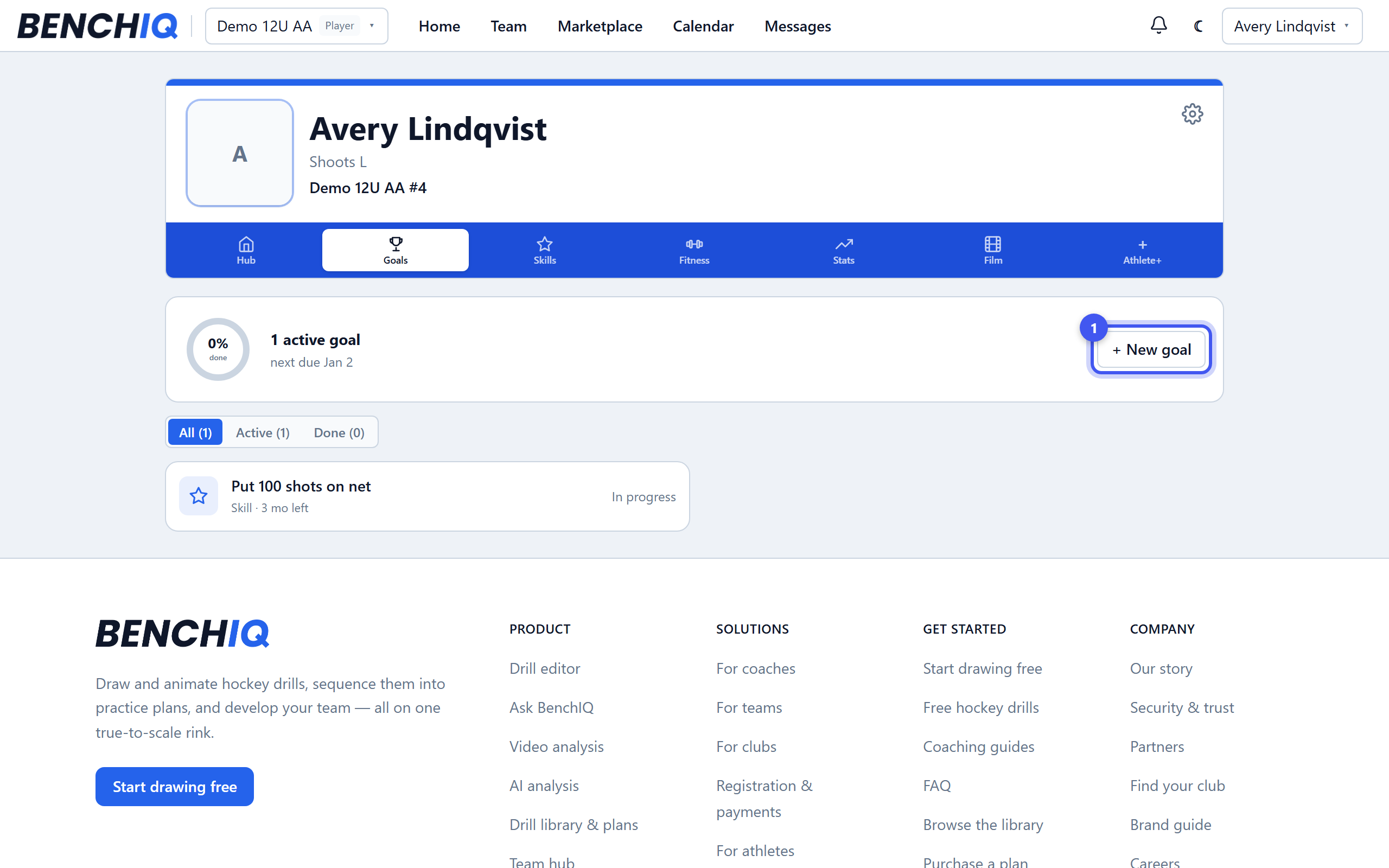
- 1Open Goals
Your athlete page → the Goals tab → + New goal. Goals are free for every athlete and family.
- 2Start from a template
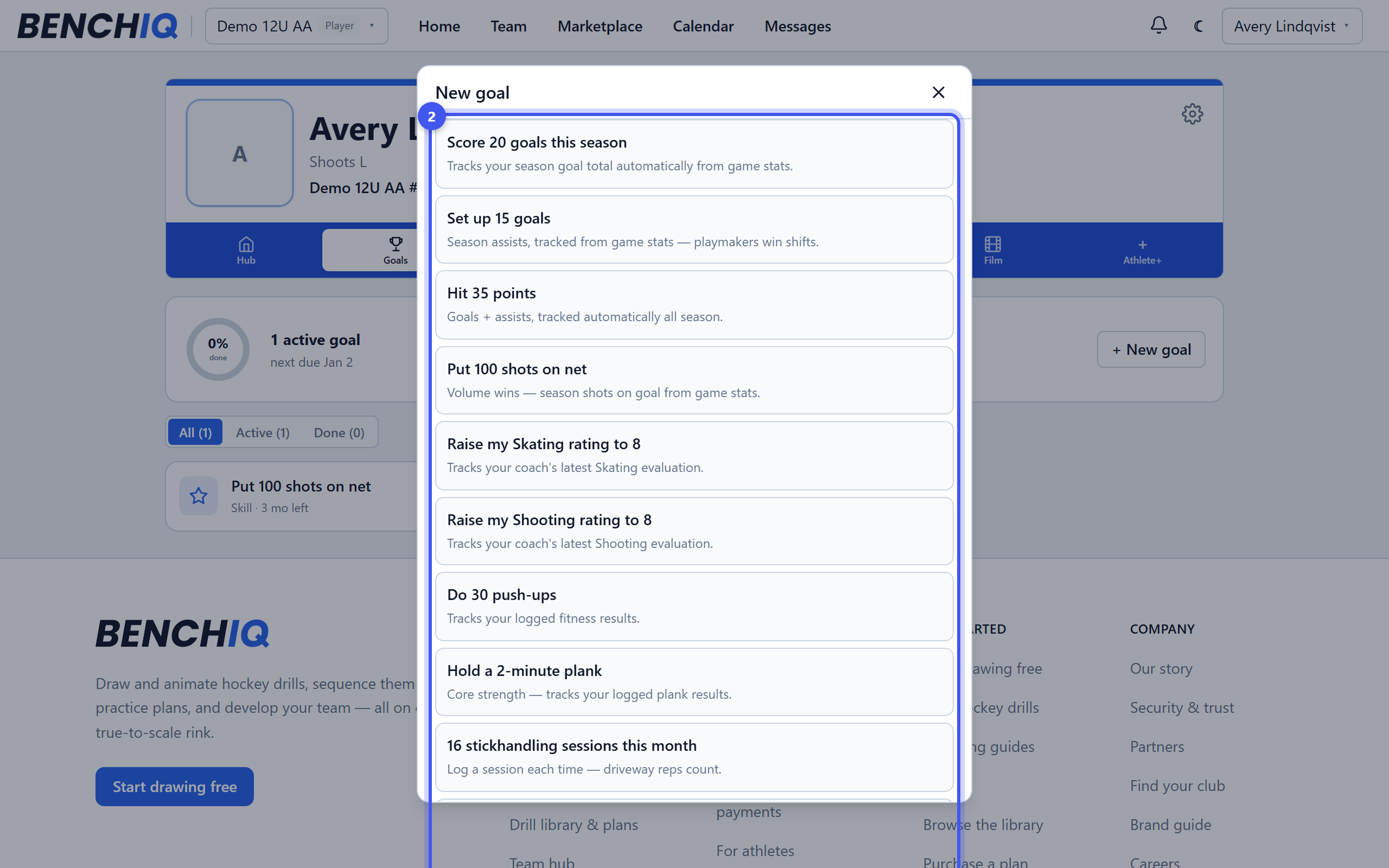
Skaters and goalies each get a list: score 20 goals this season, hold a two-minute plank, 16 stickhandling sessions this month, raise my skating rating to 8. Or Start from scratch.
- 3Pick how it tracks
Track progress with: a season stat (goals, assists, saves — fills in from the games your coach records), a fitness result, a skill rating, your own number with a unit, a weekly habit with a streak, or an AI analysis score. Set a target date and Create goal.
- 4Check in
Tap the goal to add milestones, post an update, or Check in today on a habit — hit your weekly number to build a streak. Move it to In progress or Done.
- 5Your coach sees it
Coaches on your team see your goals automatically and can assign one; it shows a Coach badge. Finishing a goal sends the good news to your coach and family, and a coach can mark it verified.

