Quick start · Athlete · Athlete+ · 5 min
Create your prospect profile
A link for scouts, tryouts and family: verified stats, reel, bio.
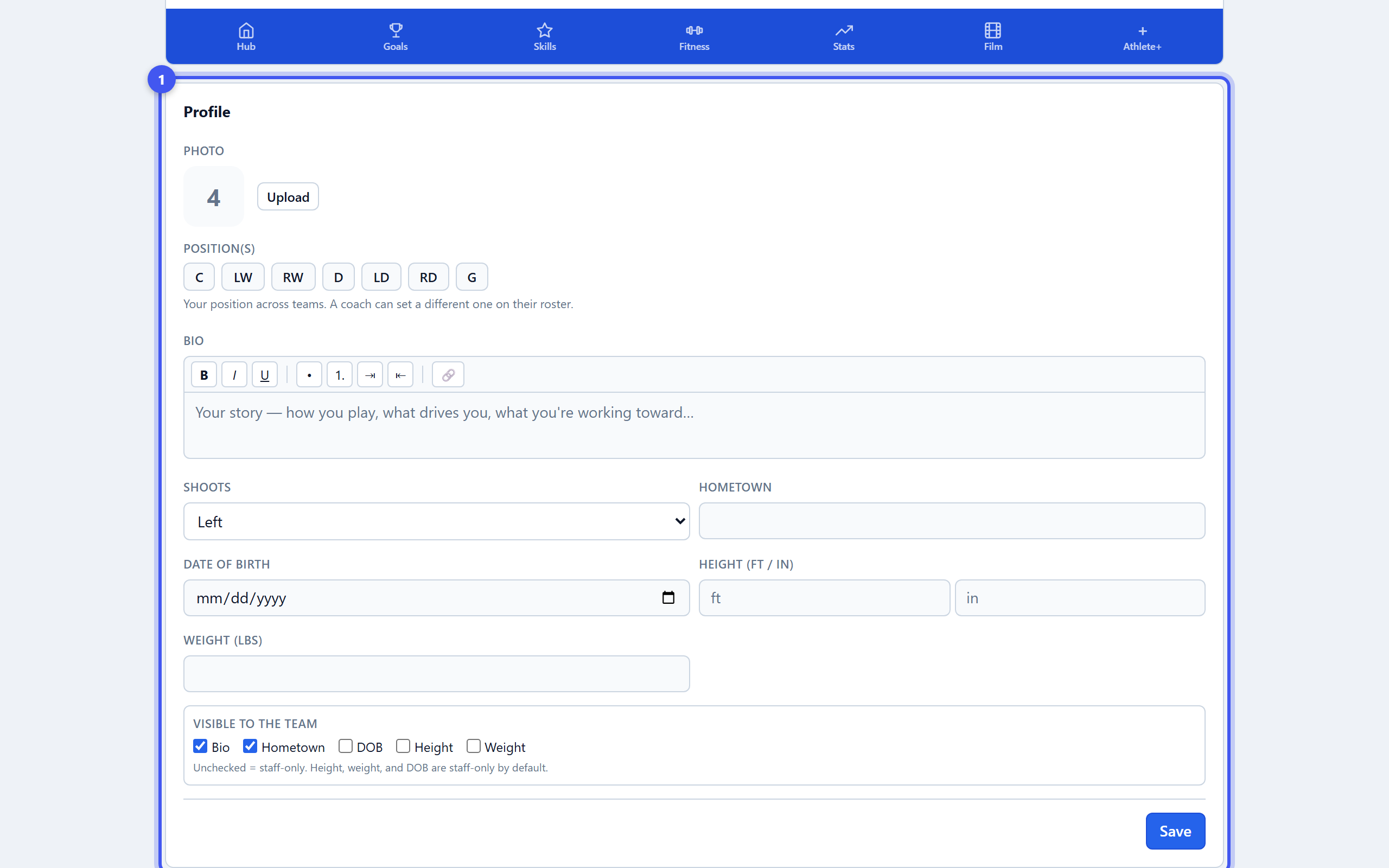
- 1Fill in the profile
Athlete page → the gear icon (Settings & profile). Photo, positions, shoots, hometown, height, weight, date of birth and a bio in the athlete's own words. Tick which fields are visible to the team; the rest stay staff-only.
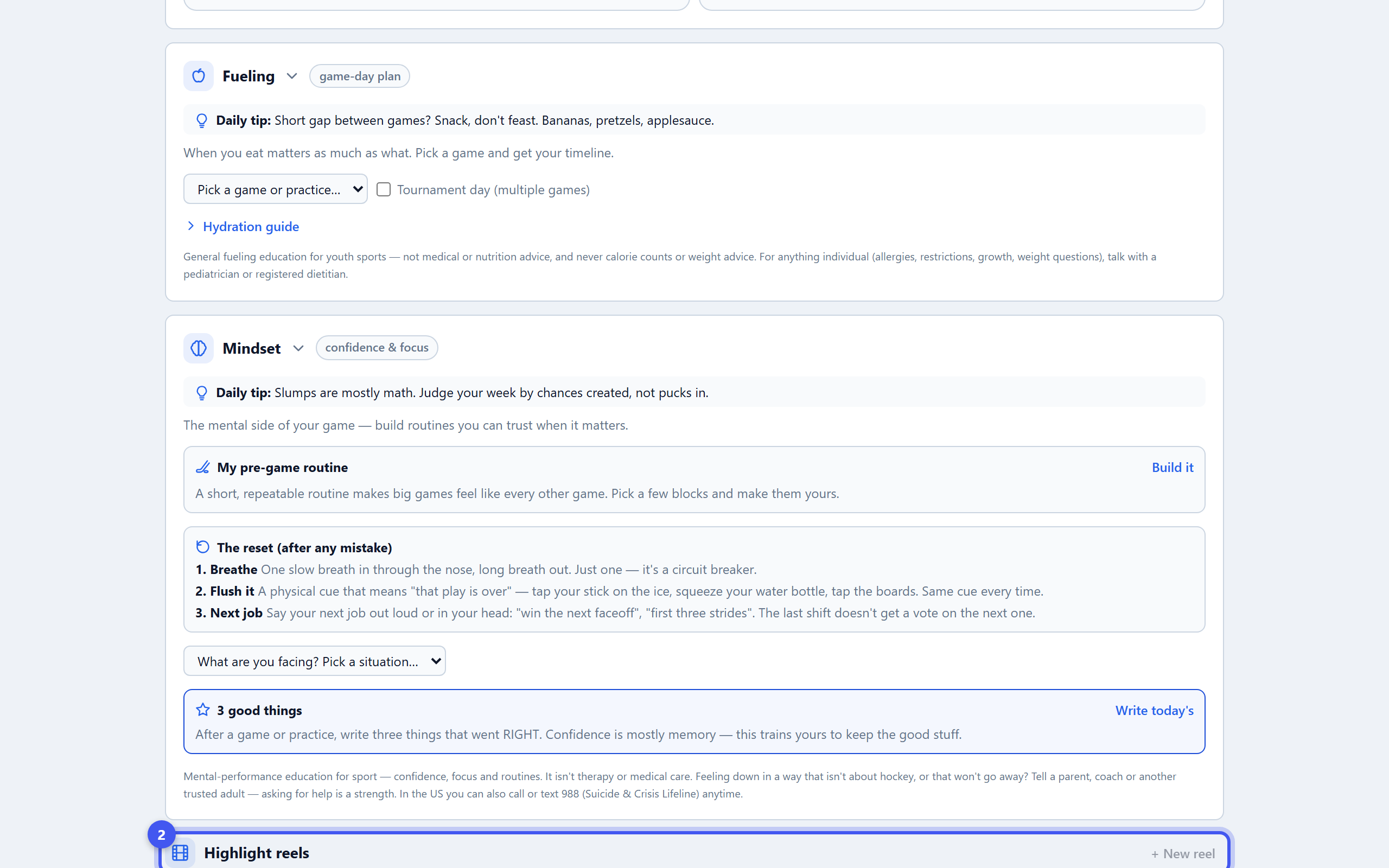
- 2Build a highlight reel
Athlete+ tab → Highlight reels → + New reel. Reels are built from clips in the Vault, so save a few first: Save to Vault on any shared clip, or cut your own from team film. Title it, pick clips in play order, add captions, Create reel.
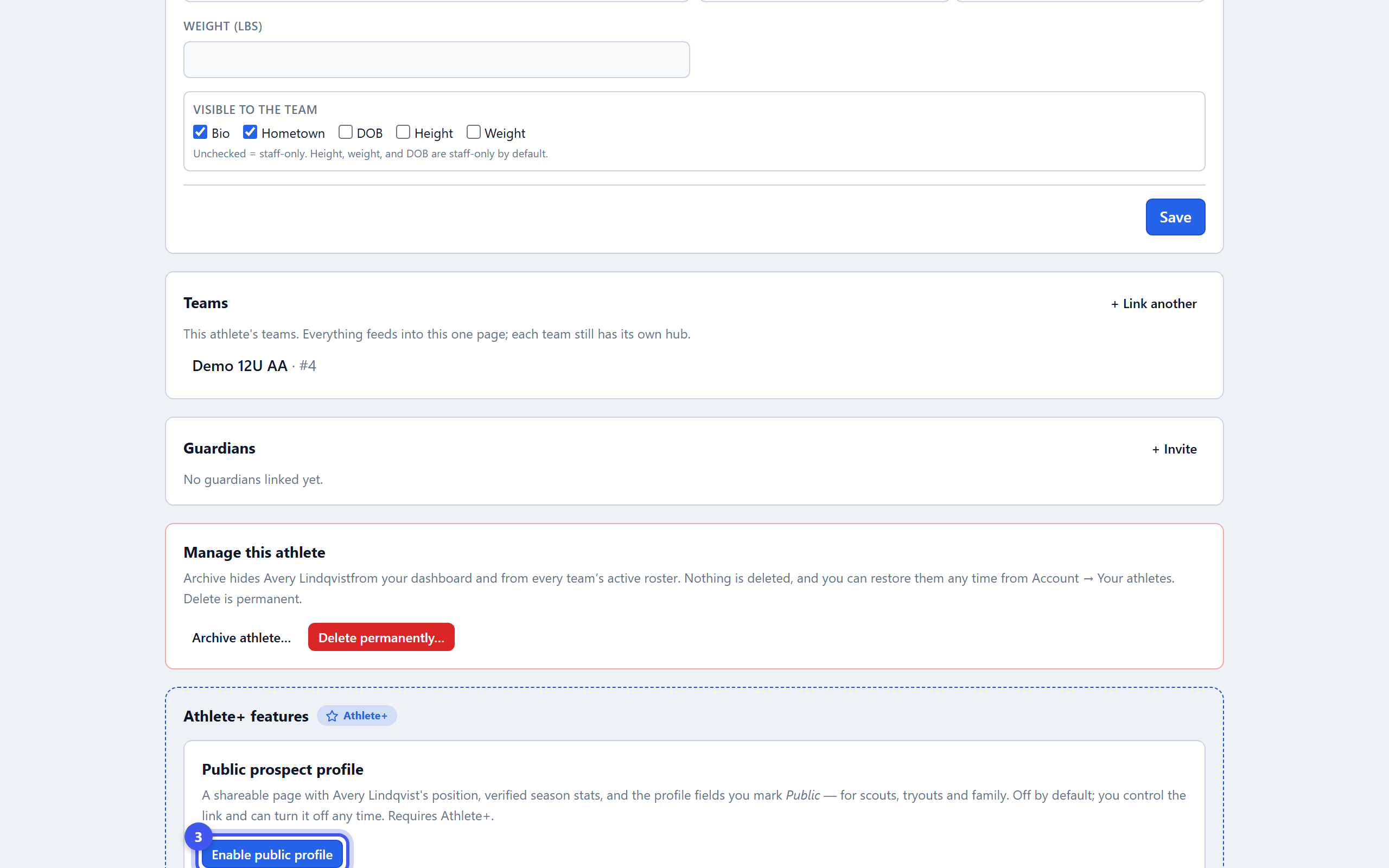
- 3Turn the public profile on
Back under the gear icon → Public prospect profile → Enable public profile. It is off by default and only the athlete or a guardian can switch it on — never team staff.
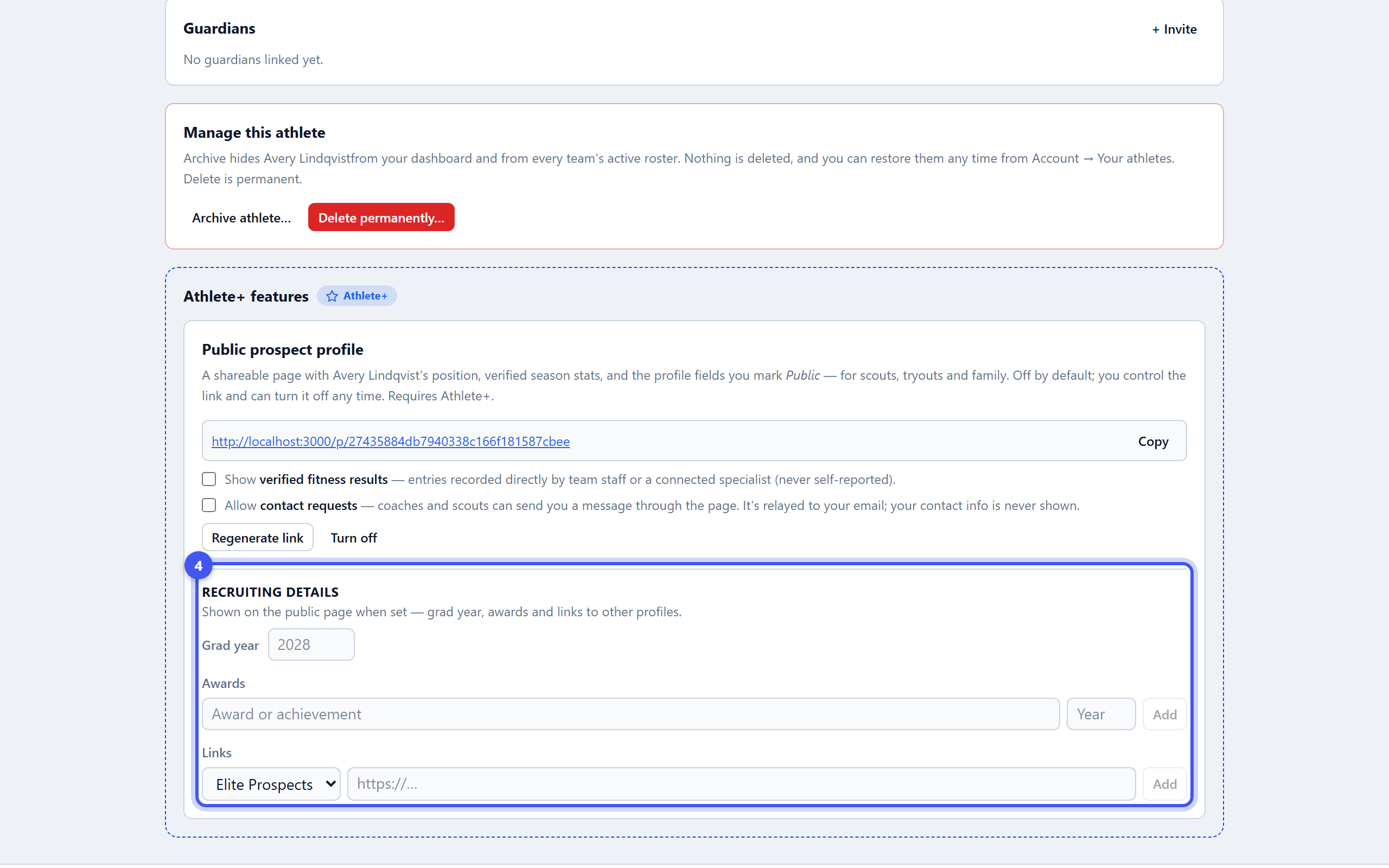
- 4Add recruiting details
Grad year, awards with the year, and links to Elite Prospects, YouTube, Instagram or a website. Optionally show verified fitness results (recorded by staff or a specialist, never self-reported) and allow contact requests, relayed to your email with nothing shown.
- 5Share the link
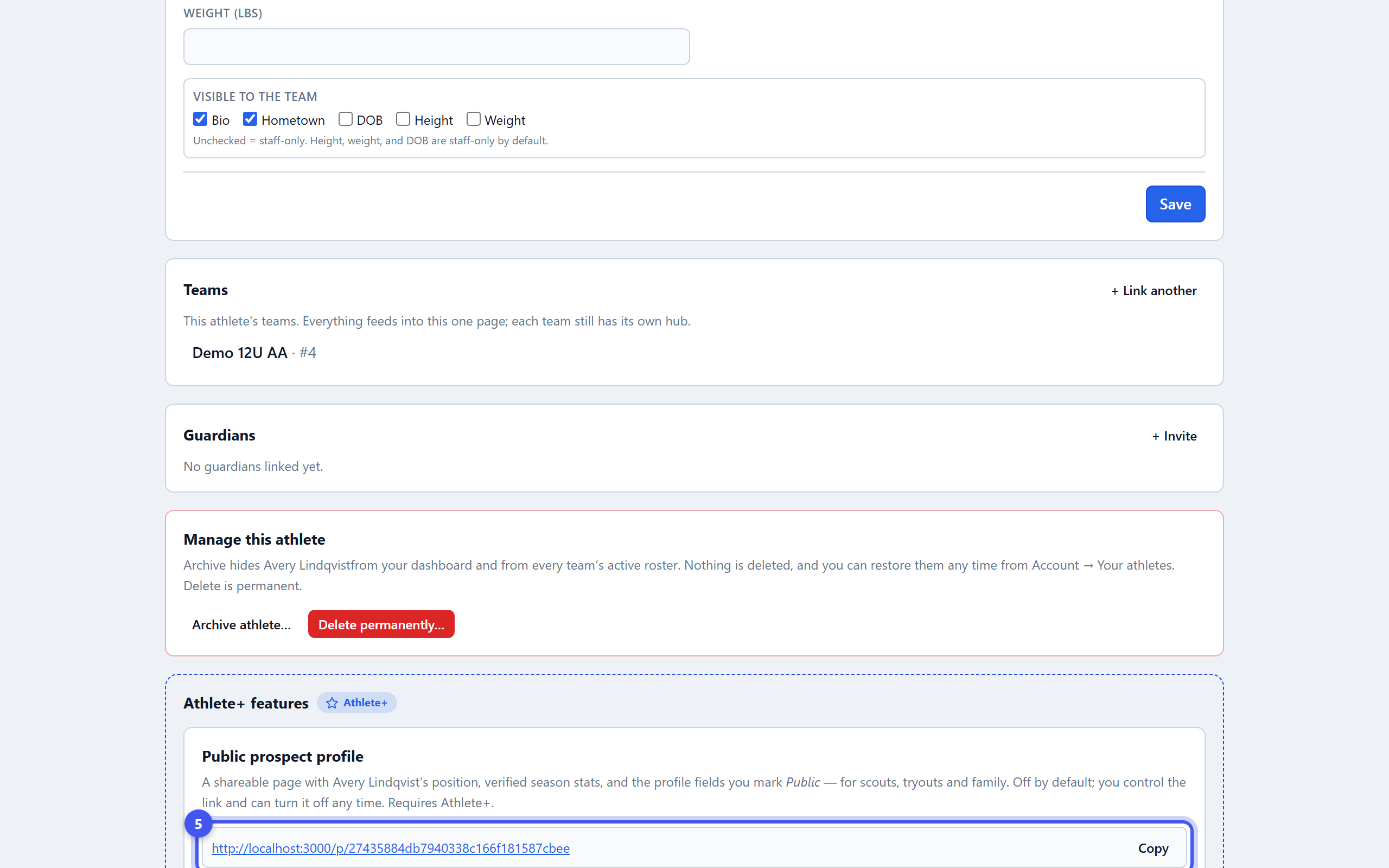
Copy the link and send it. The page shows position, team, season history with a verified pill, awards, the latest reel playing inline, and the contact button. Regenerate link kills the old one; Turn off hides the page. Nothing is deleted if Athlete+ lapses.