Quick start · Club · Basics · 8 min
Create a registration
Seasons, camps and tryouts with payment plans and waivers.
- 1Activate registration
Console → Registration & payments → Activate registration. Fees go straight to your club's own Stripe account minus the platform fee; Set up payouts walks through Stripe in about ten minutes with the club's banking details and EIN or SSN.
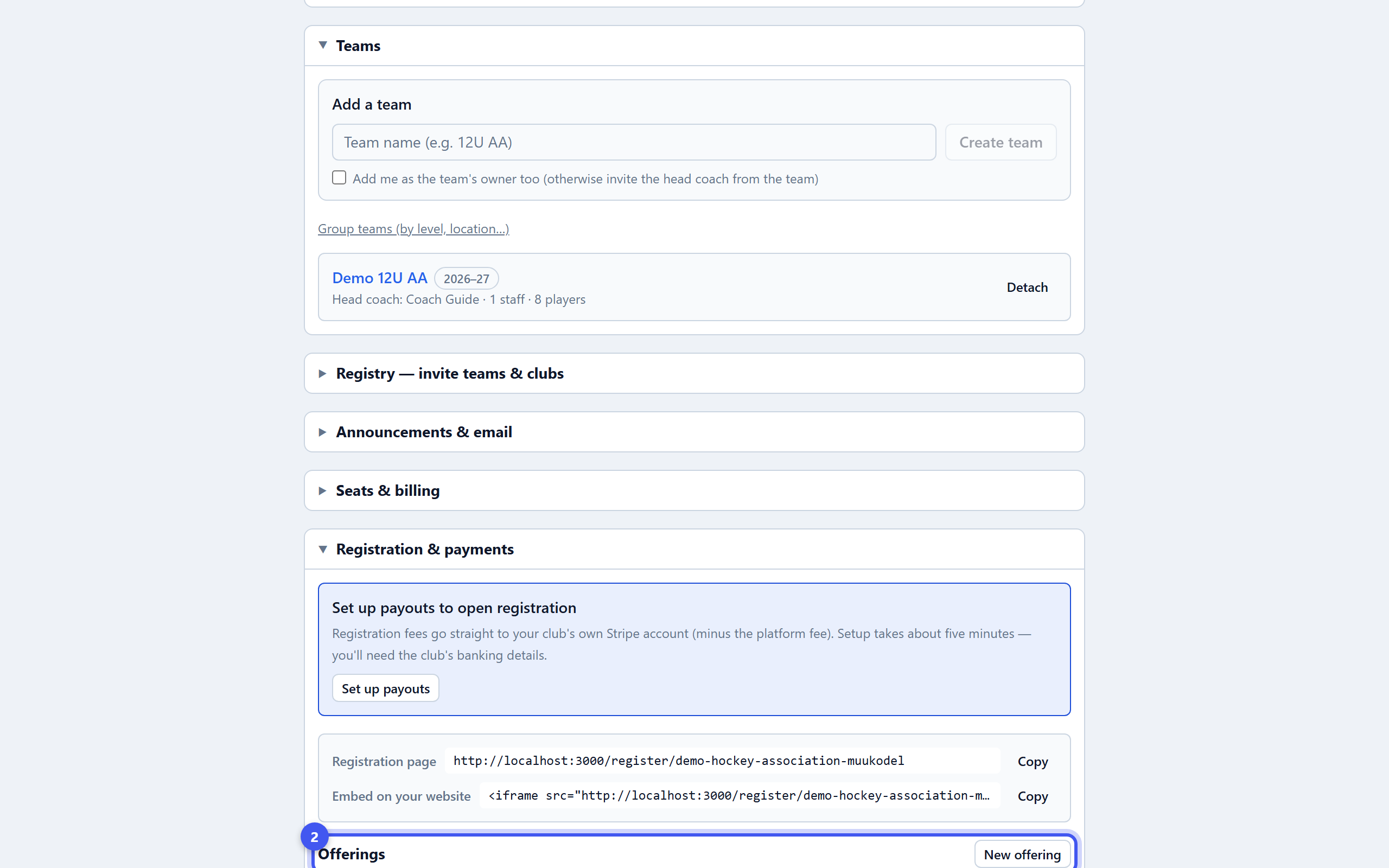
Go to this step → - 2Create an offering
New offering: Season, Camp, Tryout, Clinic or Custom, a name, a description families see, and opens and closes dates. Save offering. It starts as a draft.
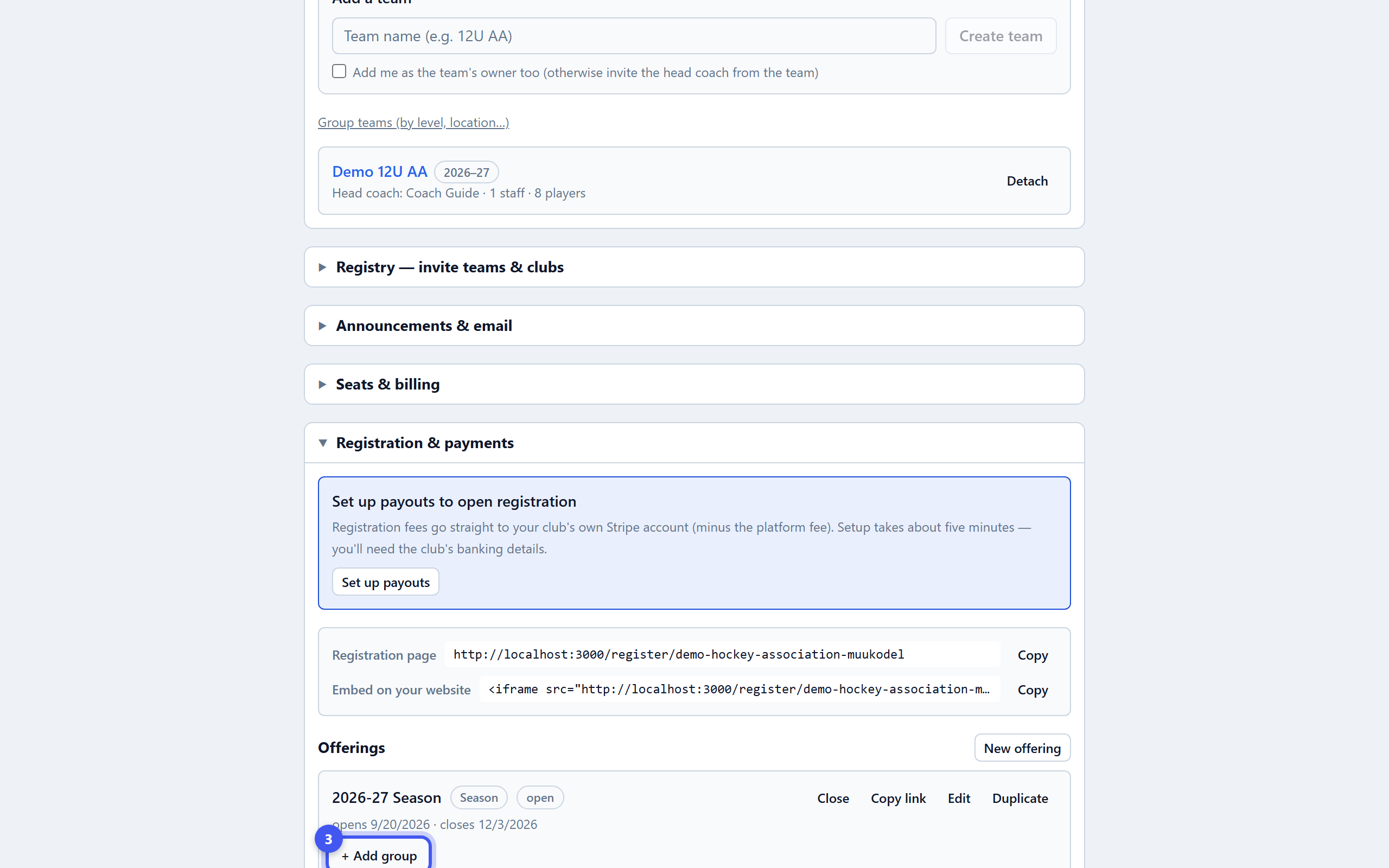
- 3Add groups
+ Add group under the offering: name, age band, price, seat limit with a waitlist, sibling discount, early-bird price, add-ons like jerseys, a deposit with installments on dates you set, session dates for camps, and registration questions. Save group.
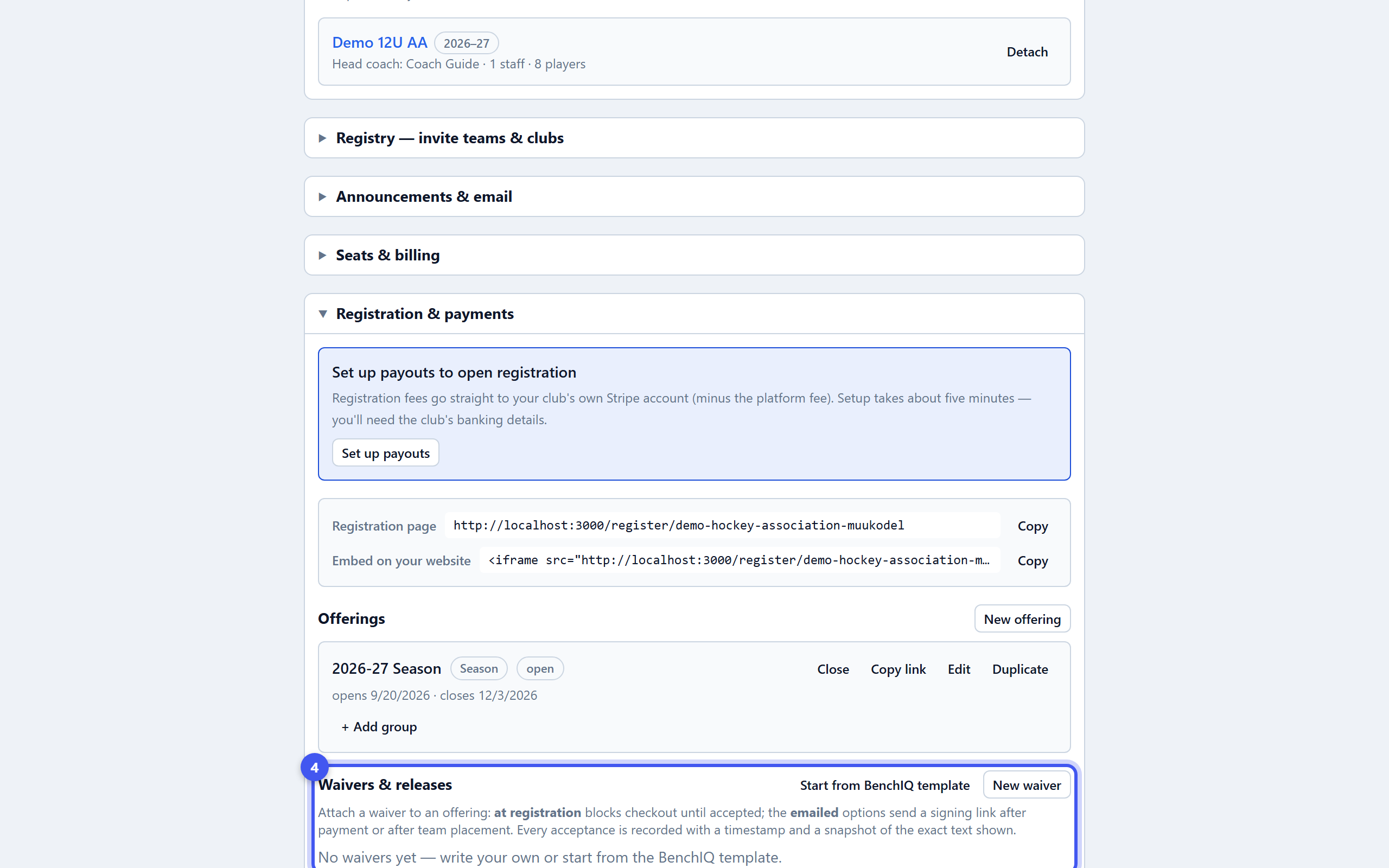
- 4Attach waivers and codes
Waivers & releases: Start from BenchIQ template or write your own, then set it per offering as required at registration or emailed after. Discount & scholarship codes take a percentage or amount off, or cover the full price.
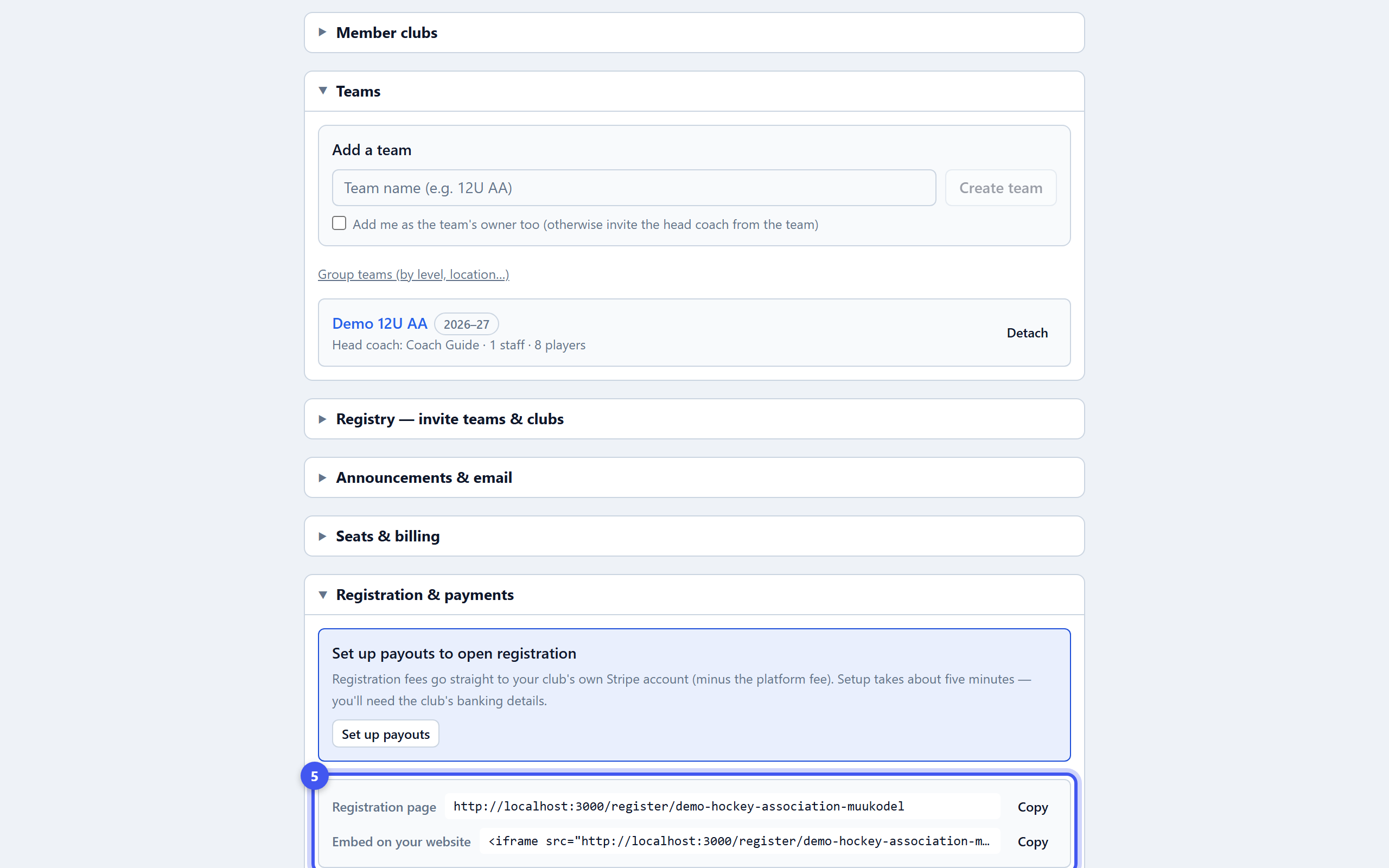
- 5Open it and share the link
Open on the offering publishes it; Copy link gives the family-facing page, and the embed snippet drops it into your website. Registrants shows every family, payments and waivers; tick rows and Place on team to put them on a roster.