Quick start · Coach · Pro · 5 min
Analyze your stats
Enter them four ways, then read trends and ask why.
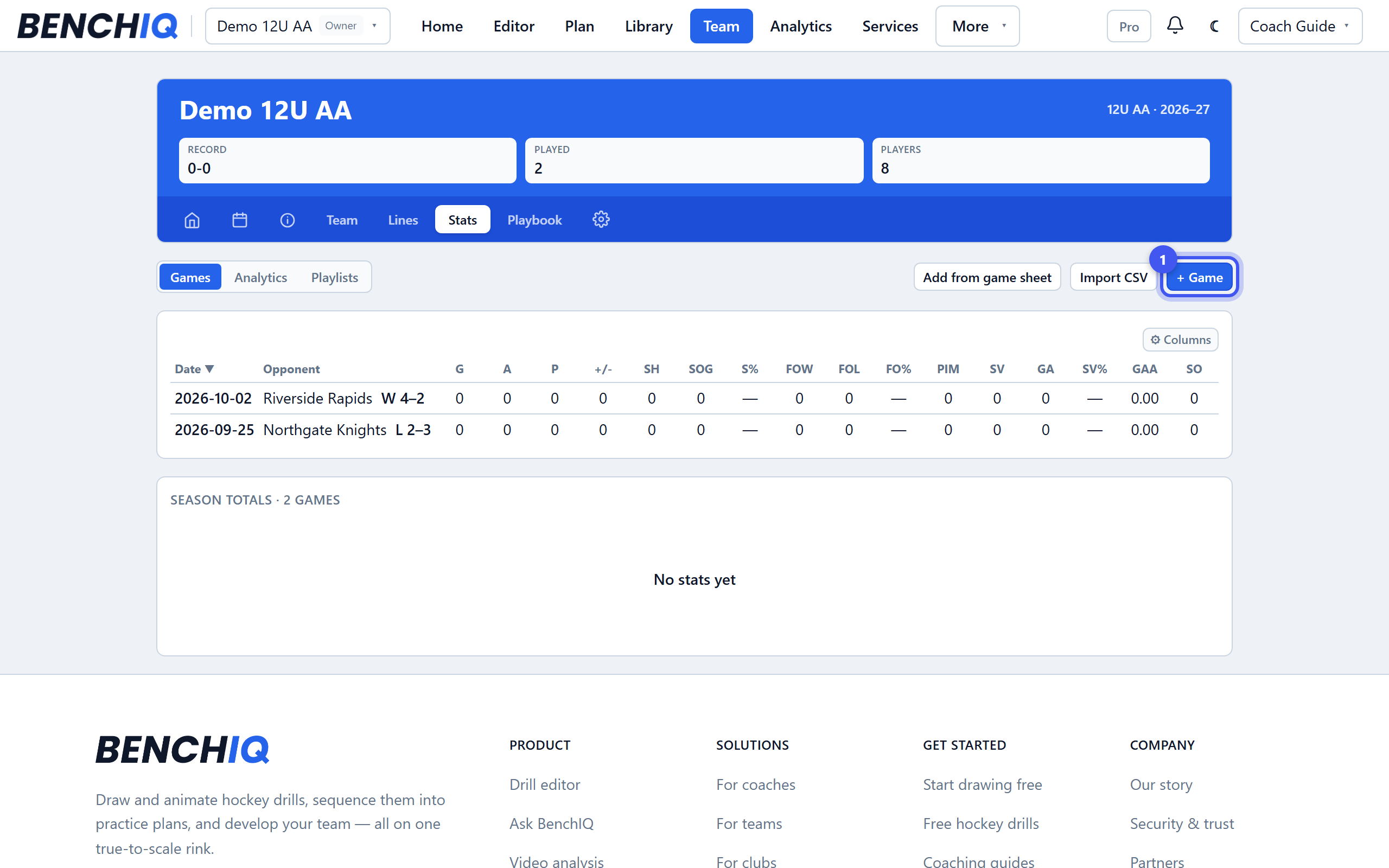
- 1Get stats in
Team → Stats → + Game. Track it live from the bench with one hand (Add & track live), upload the official game sheet for BenchIQ to read, type into the grid after the game, or Import CSV for a whole season. Film tags count too.
- 2Know the priority
Where two sources disagree, game sheet beats film beats manual by default. The priority chips on a game report change it per game; Team → Settings → Modules → Stats sets the team default and your league's penalty minutes.
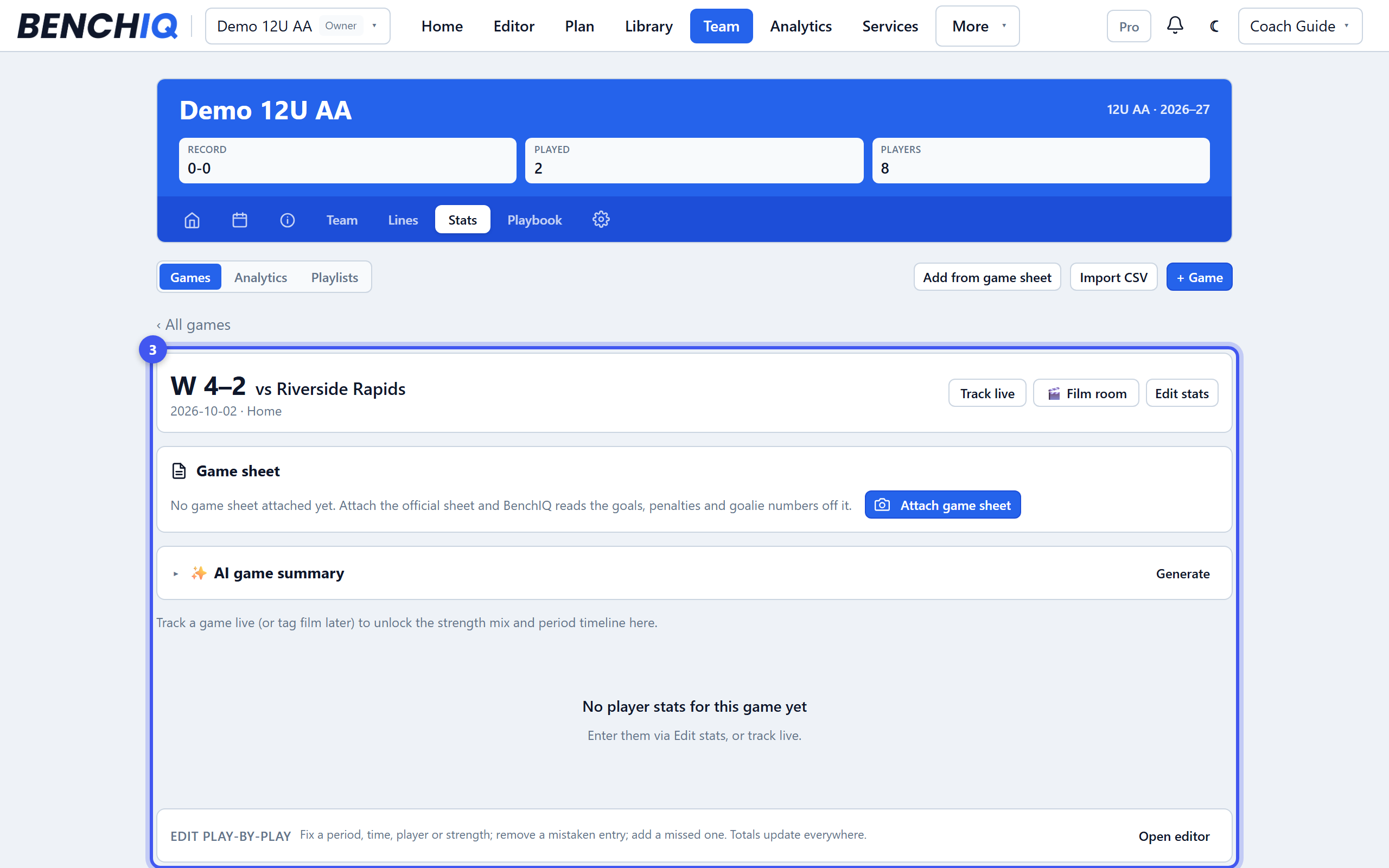
- 3Read the game report
Click a game: score and strength splits, goals by period, special teams derived from the penalties you tagged, the box score, play-by-play with Edit to fix a period or player, and the AI summary.
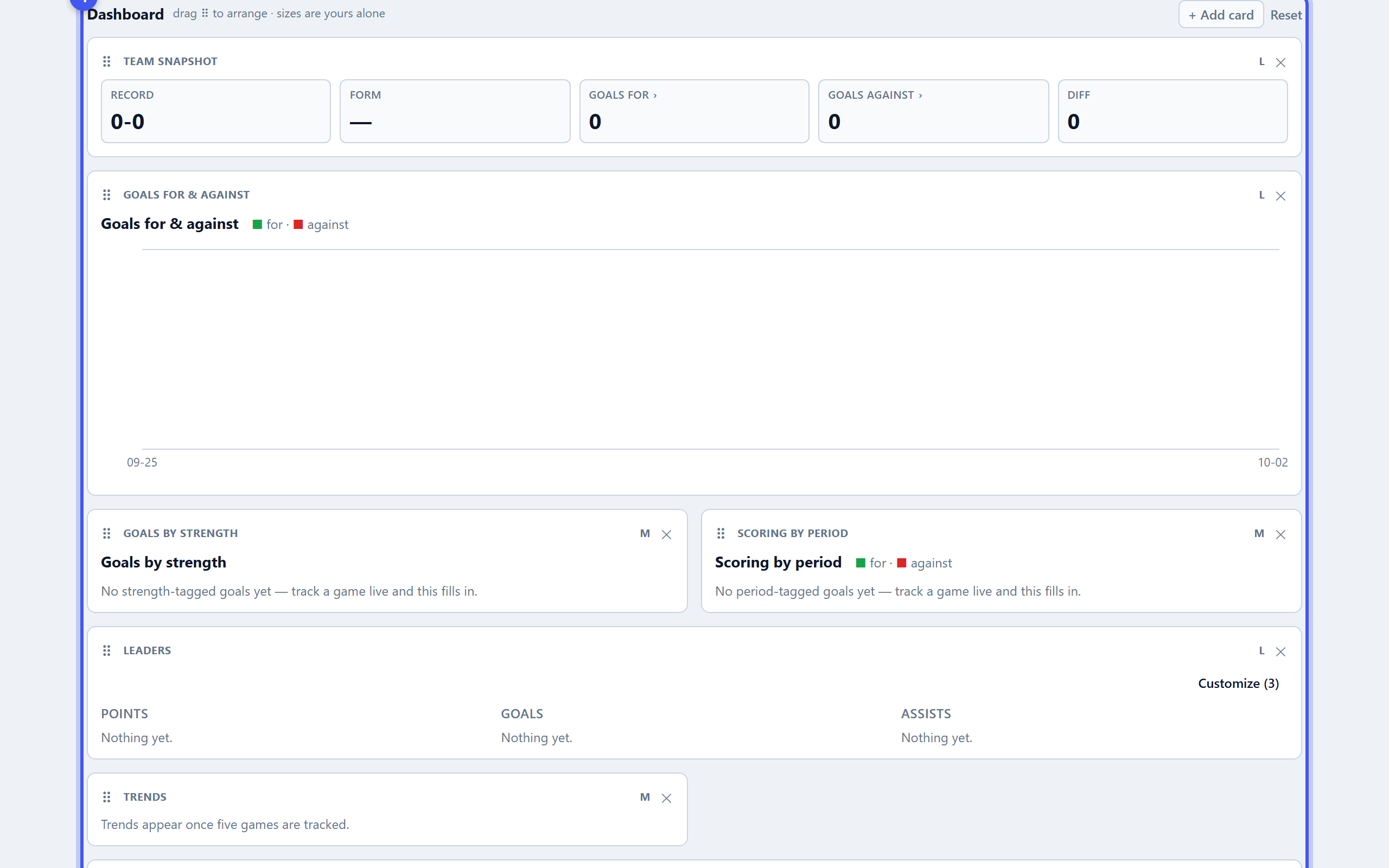
- 4Open Analytics
The Analytics page is your dashboard: drag cards to arrange, add Leaders, Trends, Shot map, Compare players, Development. Filter by opponent, home or away, strength, period or date range. Click any player for their season page.
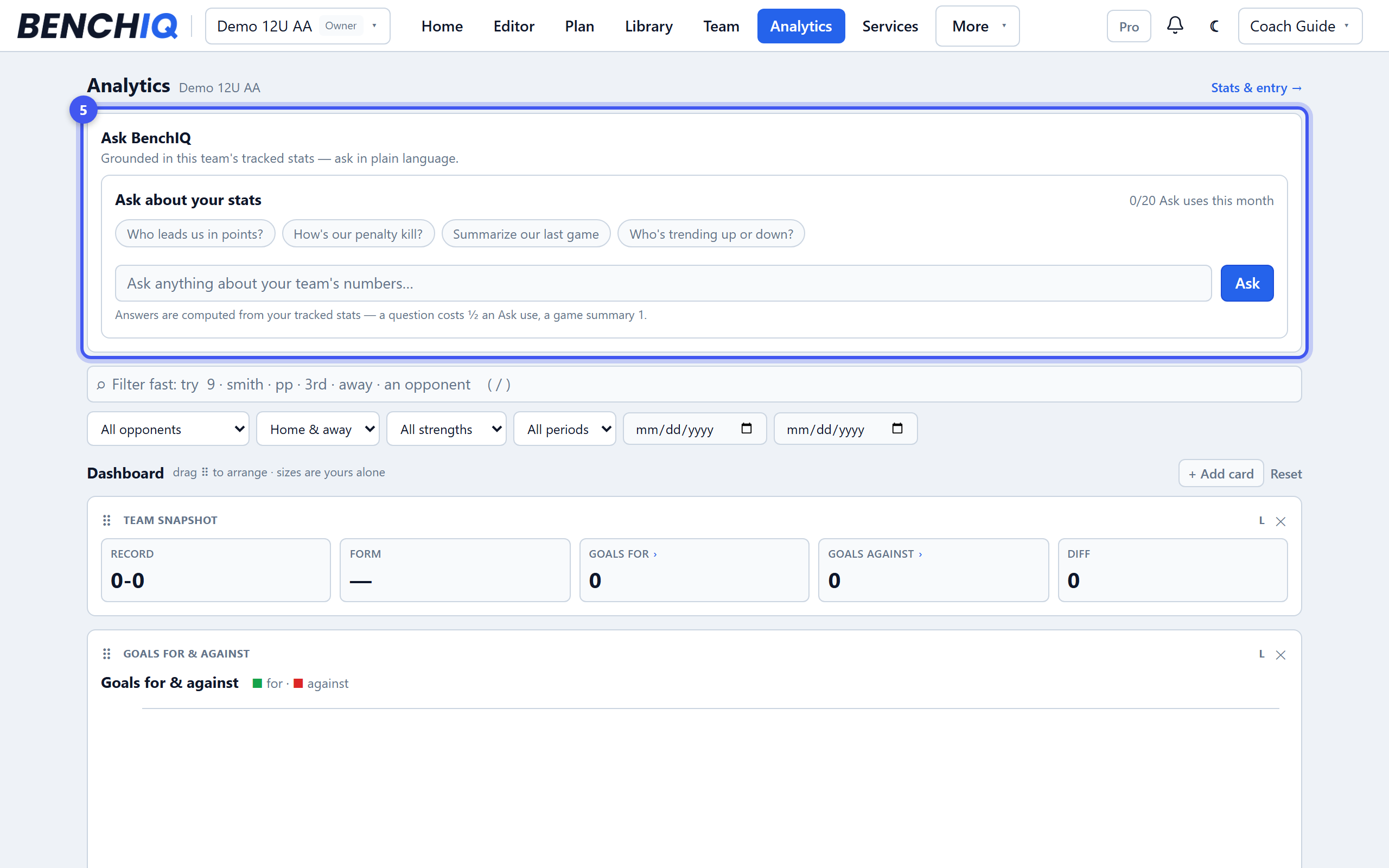
- 5Ask why
Ask about your stats at the top of Analytics answers in plain language — who leads us in points, how's our penalty kill, who is trending down. Each answer is half an Ask unit.