Quick start · Coach · Pro · 4 min
Ask BenchIQ to build a practice plan
Describe the problem; get a plan from your own library.
- 1Open Ask BenchIQ
Ask IQ in the top bar, or the Ask BenchIQ button inside the plan builder. It grounds every answer in your Personal, Team and club libraries plus the BenchIQ catalog, your roster, recent results and evaluations.
- 2Say what the team needs
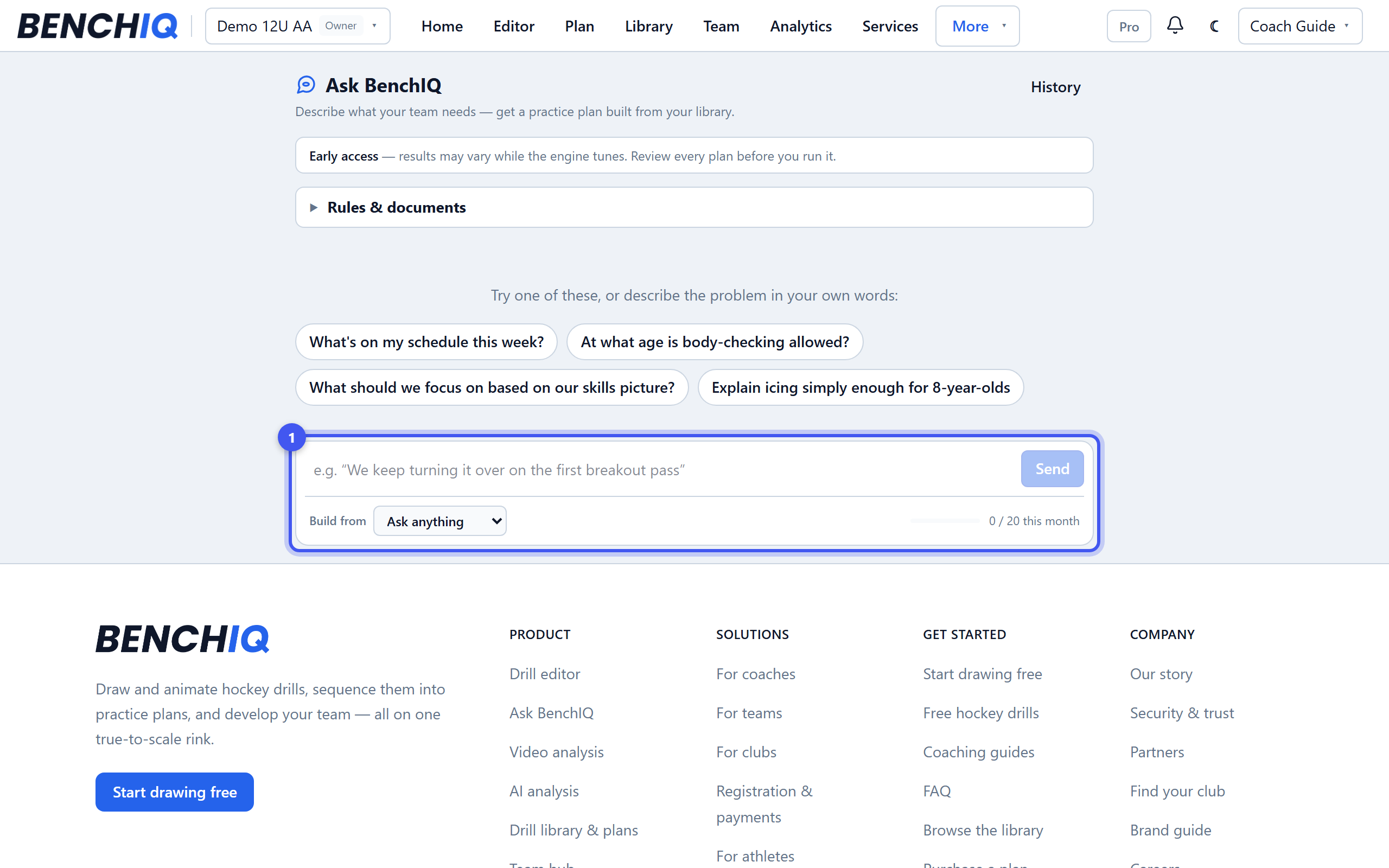
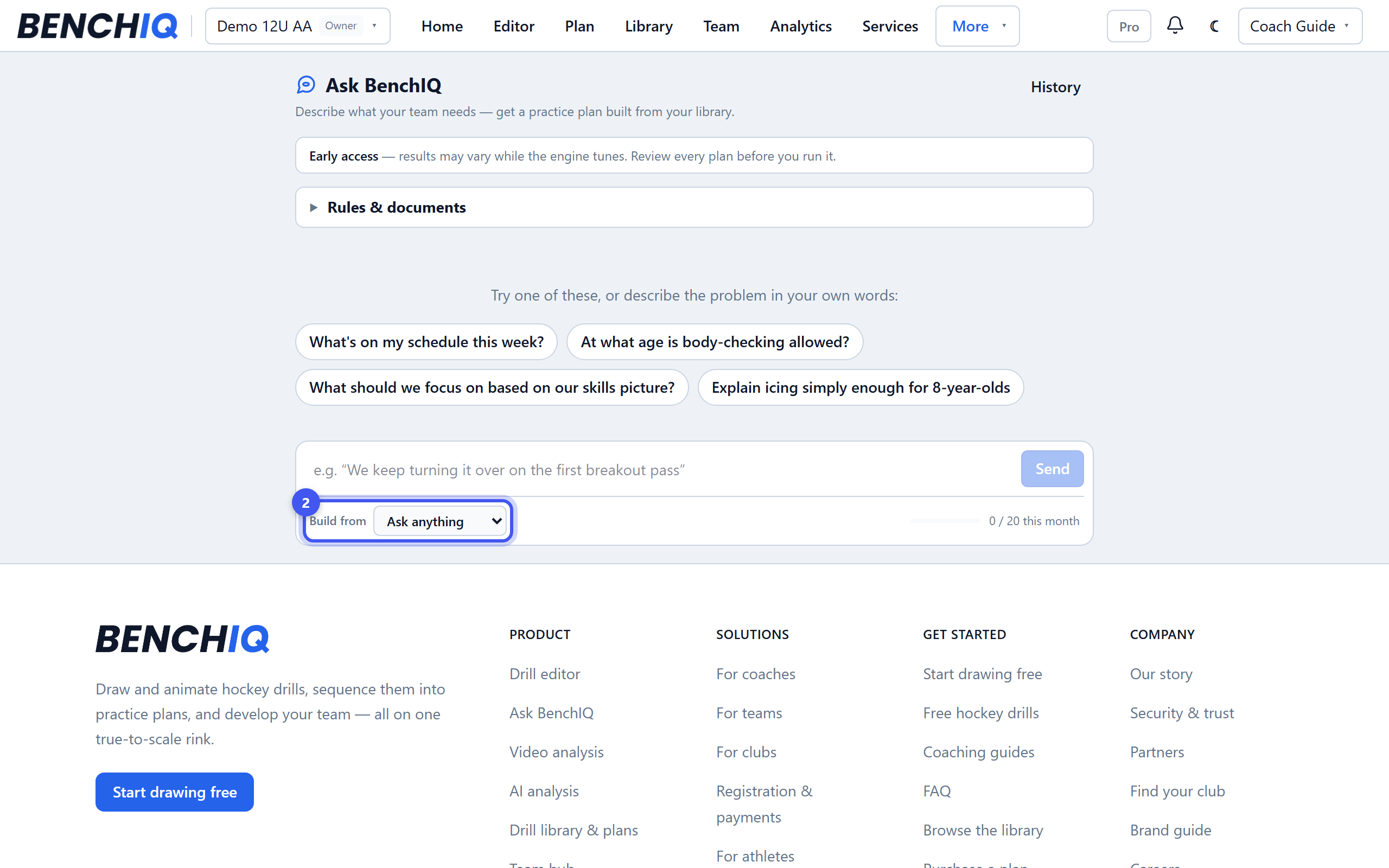
Set Build from to Practice builder and describe it the way you would to an assistant: “we couldn't break out of our zone last game”, “60 minutes of small-area compete, 12U”. Starter chips give you a feel. It may ask one question; Just build it skips it.
- 3Read the draft
The plan comes back as timed blocks with an objective, coaching points and a badge for where each drill came from. Click a block to quick-view the drill's steps without leaving the draft. Amber warnings flag anything it wasn't sure about.
- 4Refine it
Type again to change it — “make it 45 minutes”, “more battle”, “swap drill 3”. Each revision shows what changed and costs a quarter of a unit.
- 5Open in Plan Builder
Creates an editable draft plan. Nothing is shared until you press Save there. Pro includes 20 Ask units a month: a plan is 1, a revision 0.25, a stats question 0.5. Ask anything mode answers rules and scheduling questions too.

