Quick start · Coach · Basics · 5 min
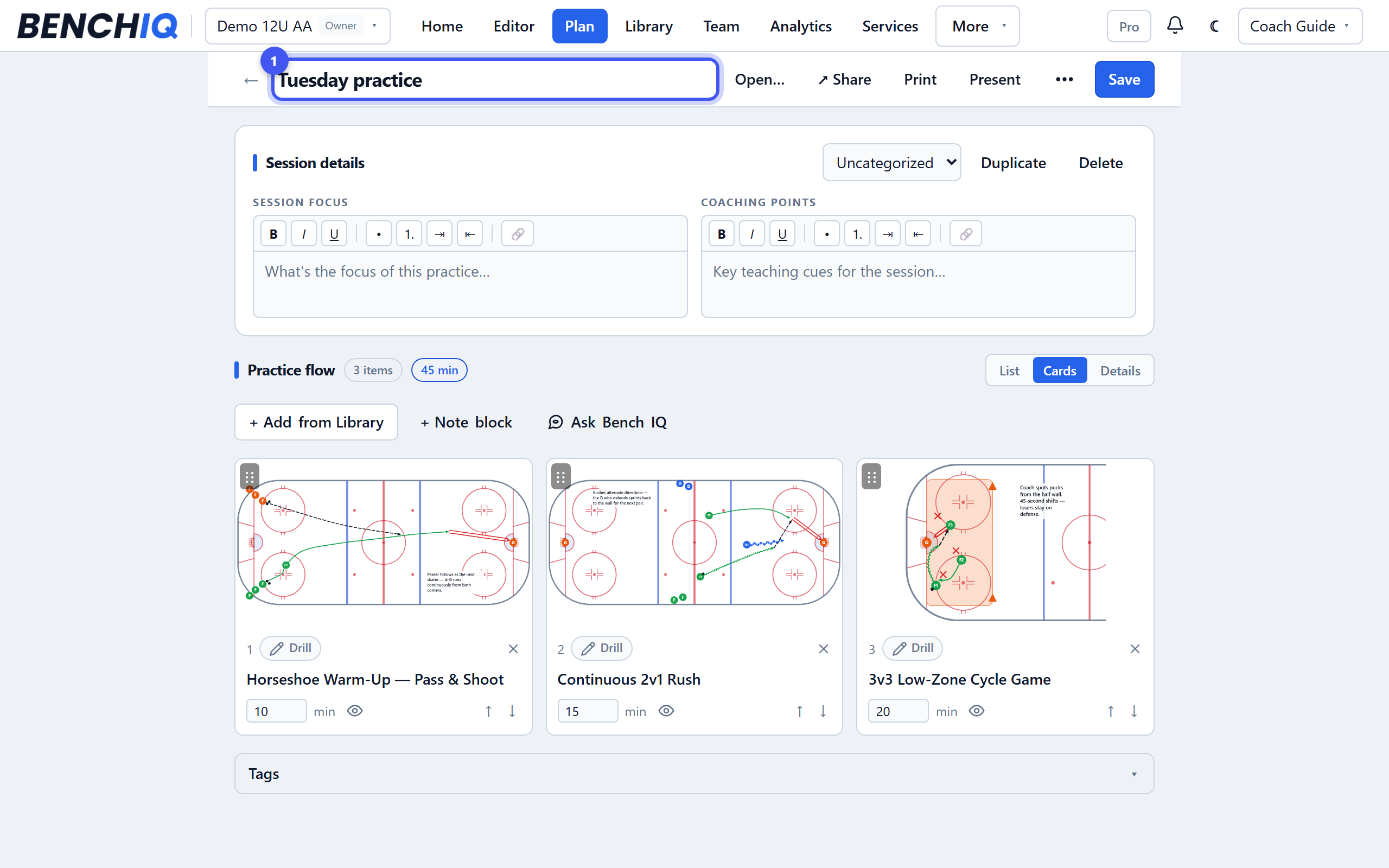
Plan your first practice
Drag drills into a timed plan, print the cards, share it with staff.
- 1Start a plan
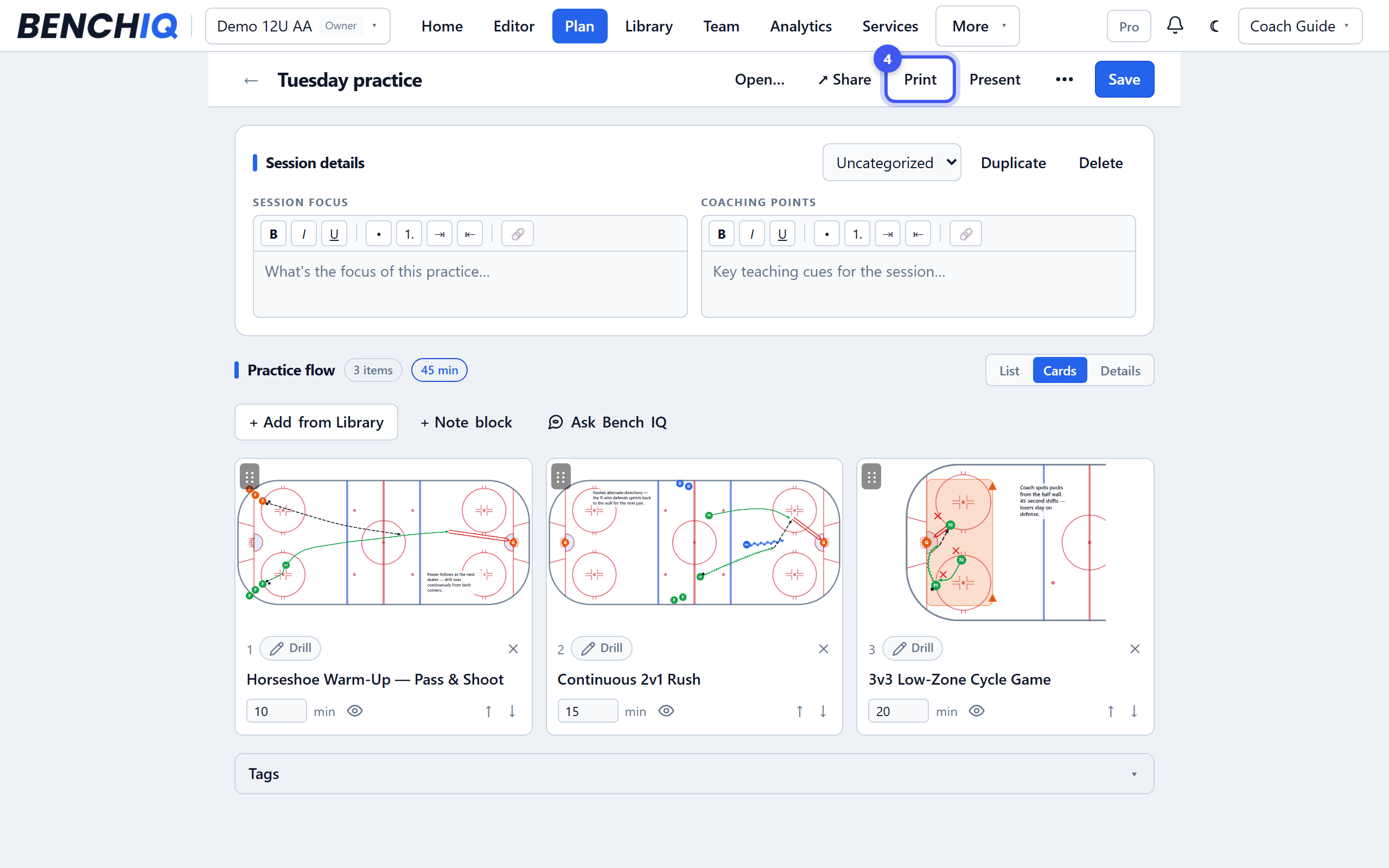
Library → Plans → New plan, or the Plan button on the dashboard. Give it a date and your ice time; the plan keeps a running clock as you add drills.
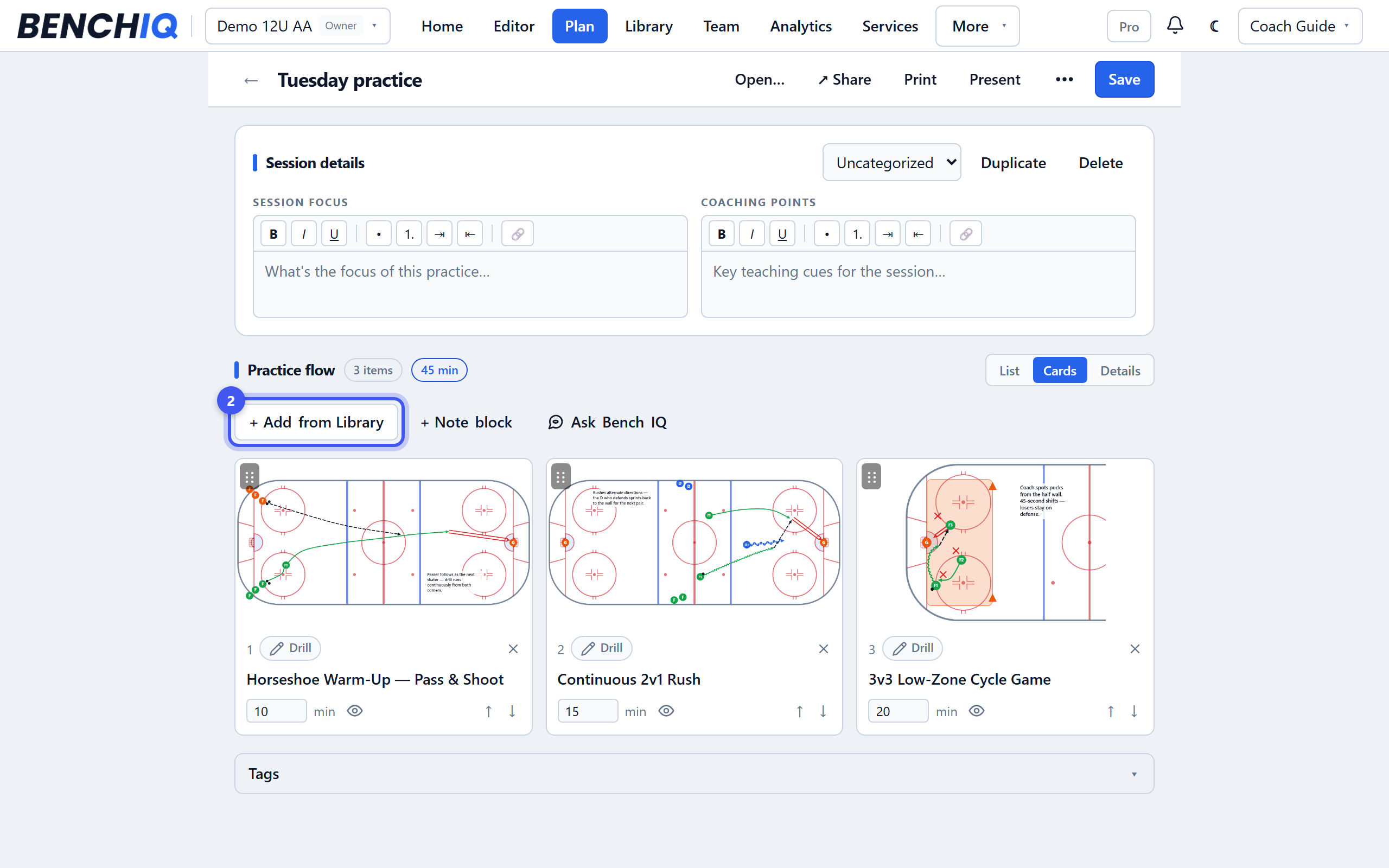
- 2Add drills
Press + Add from Library and pick your drills, or search the BenchIQ catalog for a system — try “breakout”. Each card shows its step diagrams so you can see the drill before you add it.
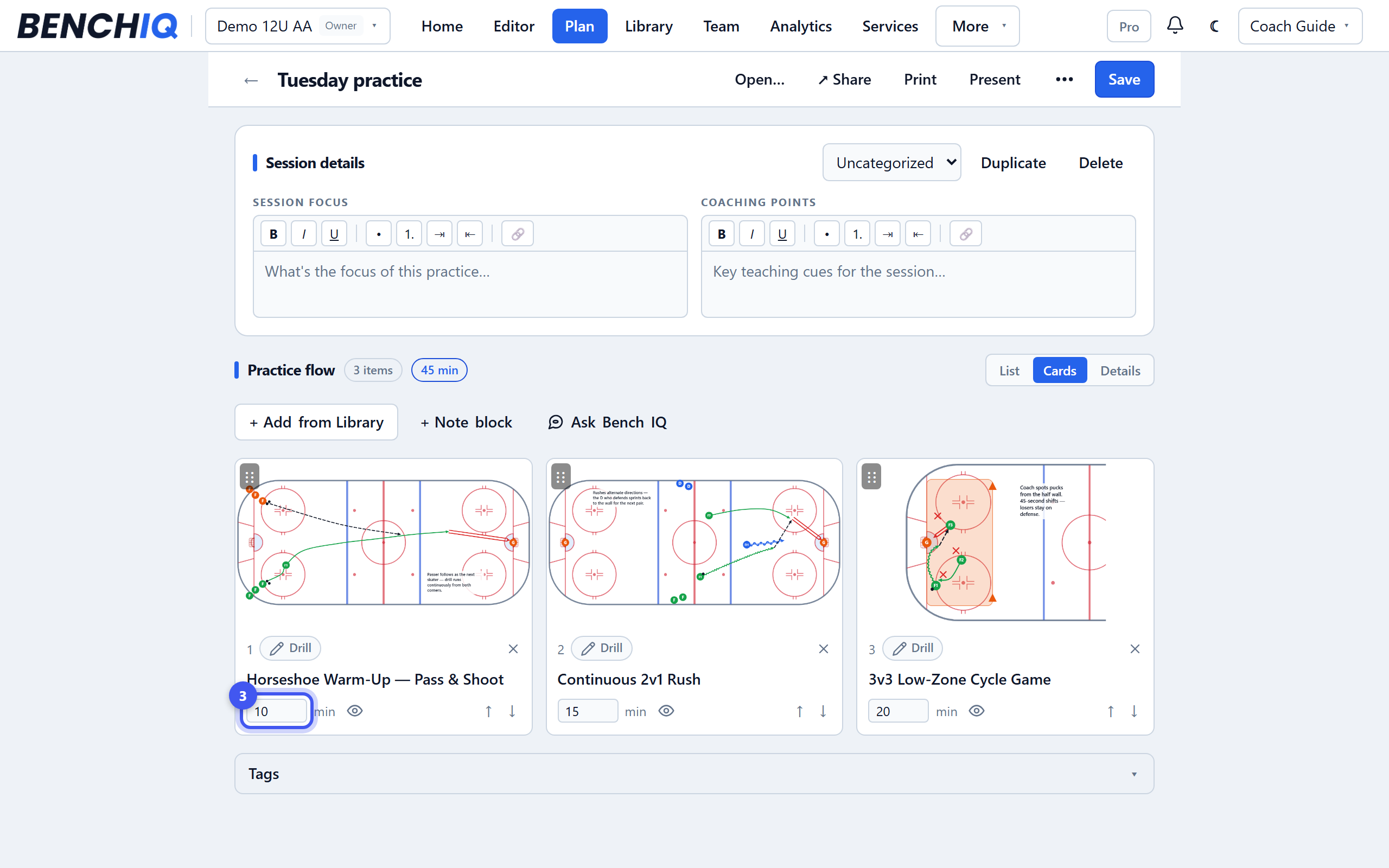
- 3Set times and order
Drag cards to reorder. Type minutes on each; the clock at the top shows what's left. Add a Note block for water breaks or a message to the group.
- 4Print or present
Print gives bench-ready cards with the diagrams. Present runs the plan full-screen on a phone or tablet at the rink, with the item clock and what's next.
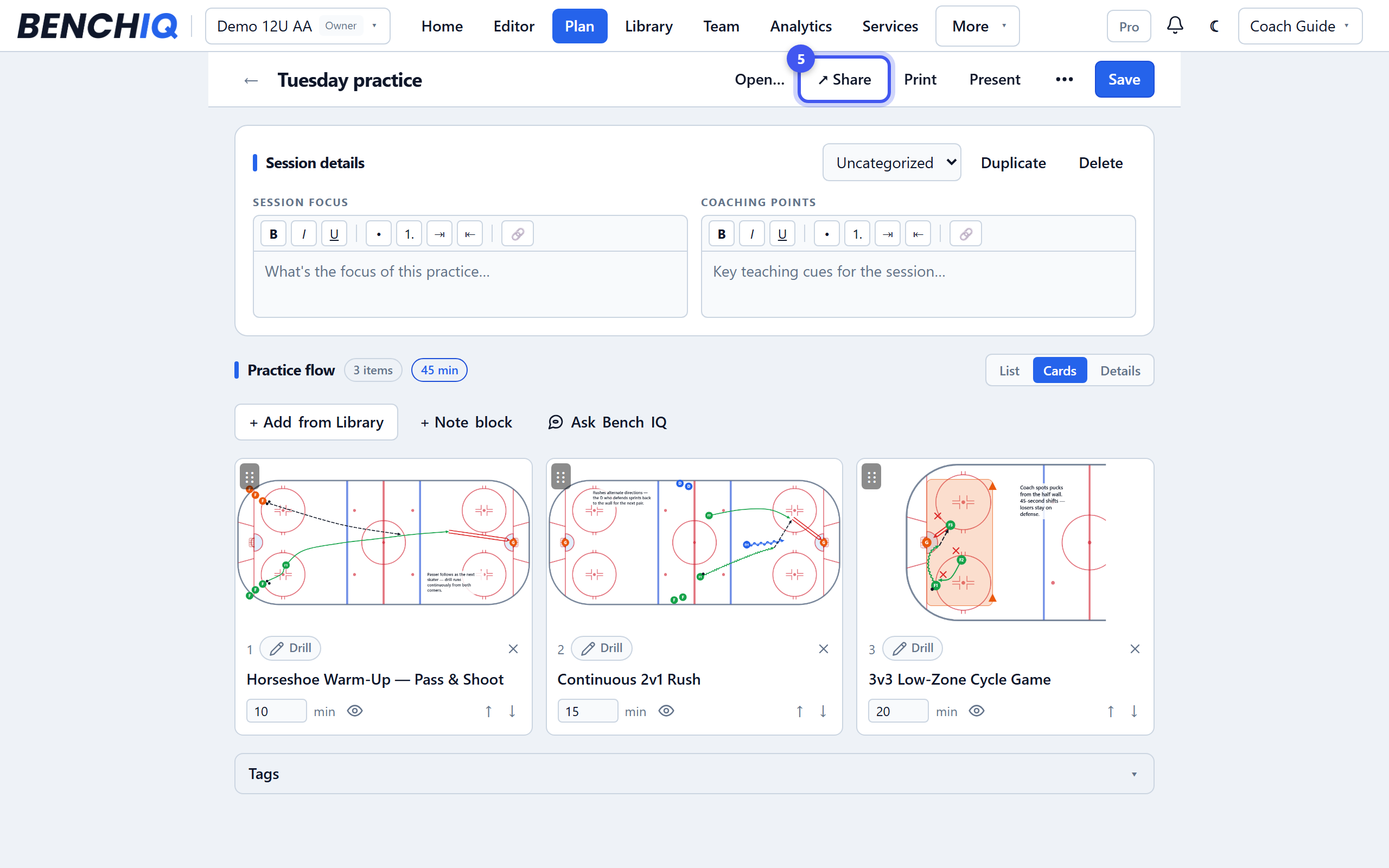
- 5Share with your staff
Invite assistants from Team → Settings → Members and coaches on the team can co-edit the plan. Share sends a read-only copy to a specific coach, by link or email.