Quick start · Coach · Pro · 3 min
Upload game film
Phone, camera or screen recording — it lands in your Library.
- 1Where film lives
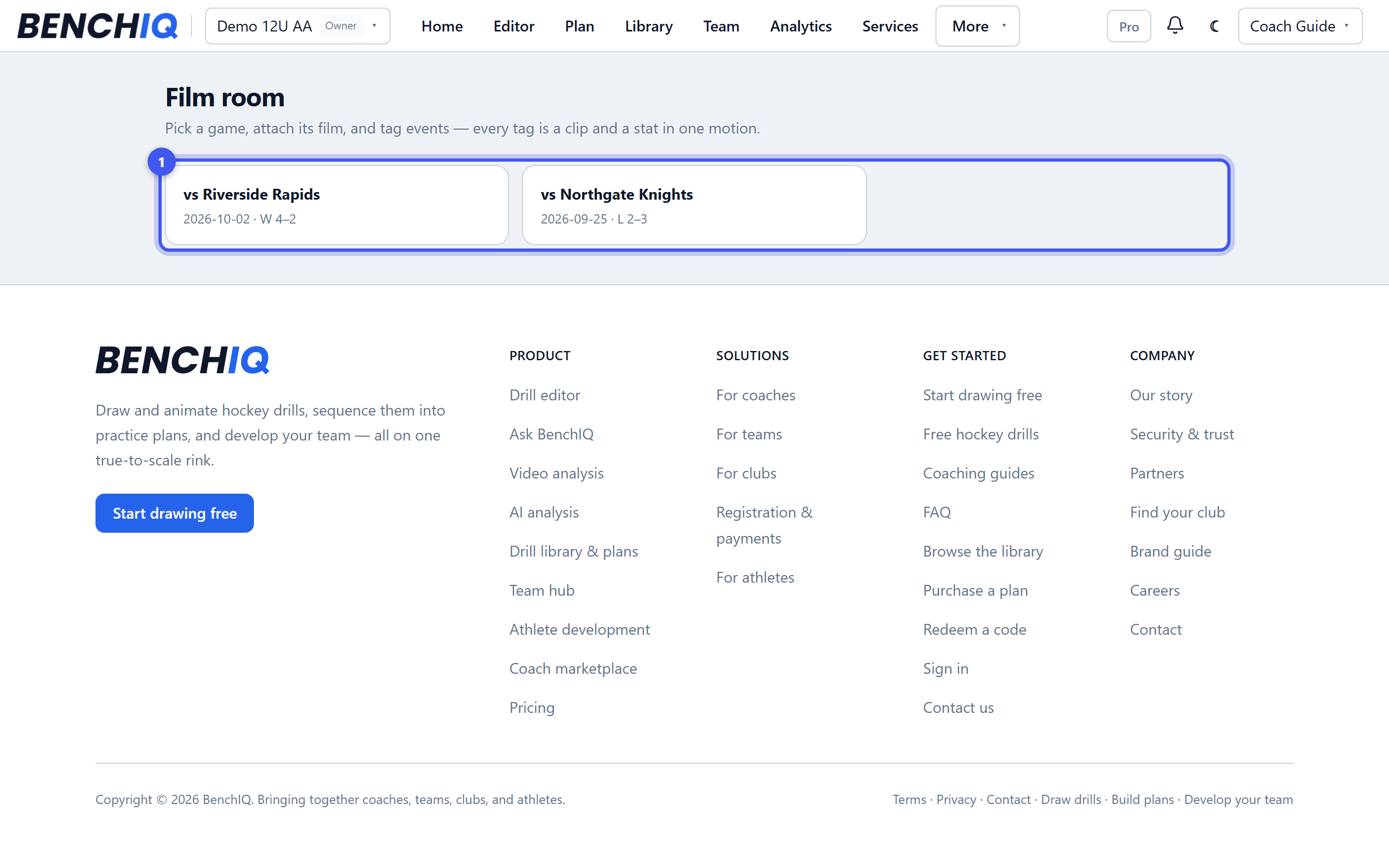
Film room → pick a game from your schedule → Attach film. A game can have more than one file: the parts play back as one timeline, so a camera that split the recording into clips is fine as it is.
- 2Upload from anywhere
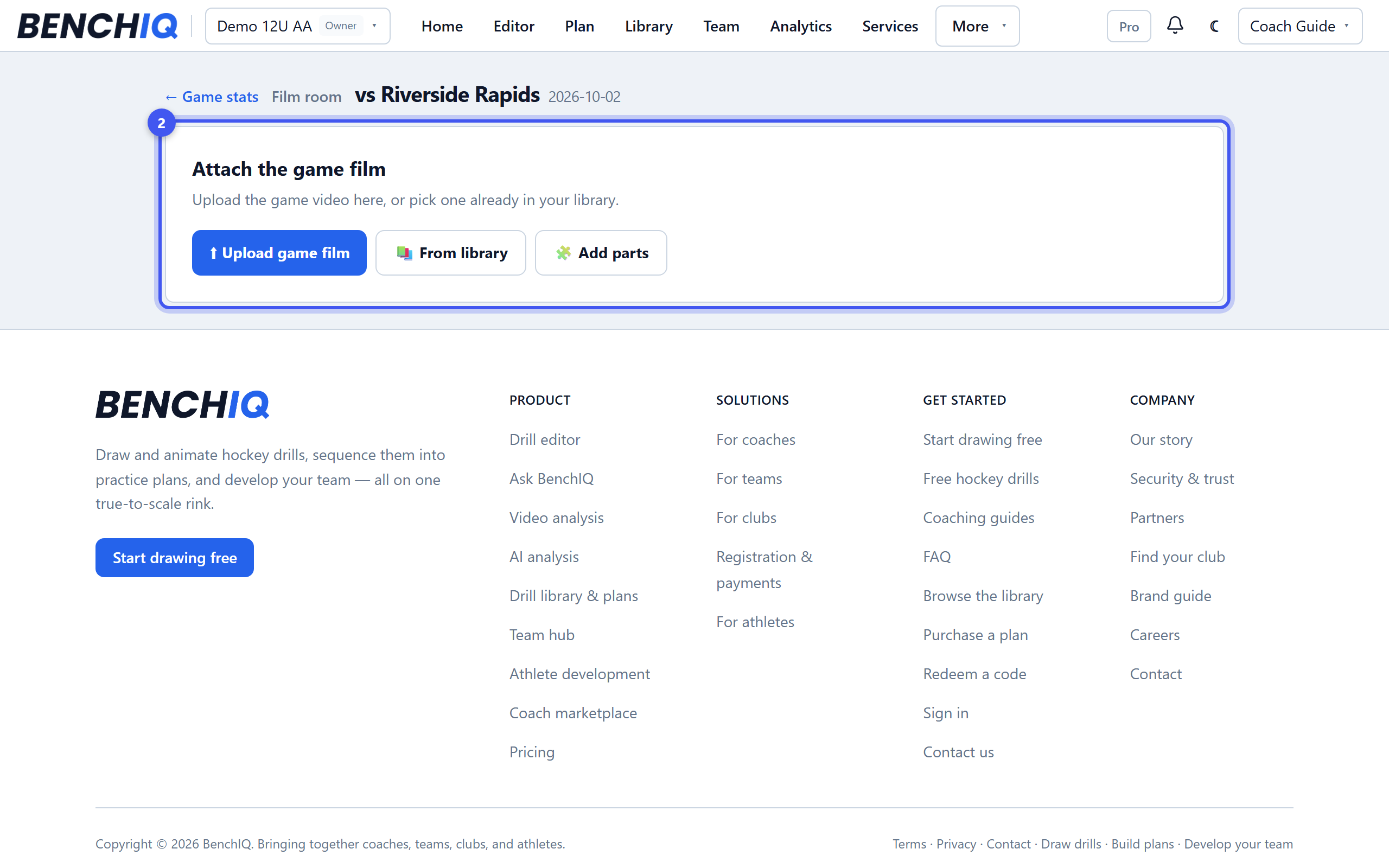
Phone, laptop or a camera export all work; big files upload in the background and you can leave the page. The uploads pill shows progress and lets you know when the game is ready to watch.
- 3What happens next
BenchIQ makes a smooth-scrubbing copy for tagging. A full game is ready in a few minutes; 4K exports take longer. A zipped camera export is unpacked for you.
- 4Keep originals light
Trim long dead time before uploading when you can, and use the Library's Film shelf to find any clip later by game, player or tag.

